
Old pensions are easy to lose sight of, especially after changing jobs or moving house. If a former employer arranged a Royal London workplace pension for you—or you took out a personal plan yourself—the policy should still exist even if the paperwork has disappeared. Royal London also looks after plans that began under several older provider names, so the name on your original documents can be an important clue. Here’s how to reconnect with your Royal London pension.
What is a “lost pension”?
A lost pension is simply a plan you no longer have up-to-date details for. It has not vanished: it remains attached to the policy and may still be invested, although its value can rise or fall. Finding it helps you see what you have saved, check that the provider holds your current address and make more informed retirement plans.
Reasons to Trace Your Royal London Pension
You might want to trace your pension if:
You joined a Royal London workplace scheme through an earlier employer.
Your documents show Royal London, Scottish Life or another provider name you no longer recognise.
You have moved and may have stopped receiving statements.
You want a complete view of your retirement savings.
Steps to Find Your Royal London Pension
Check Royal London’s online services
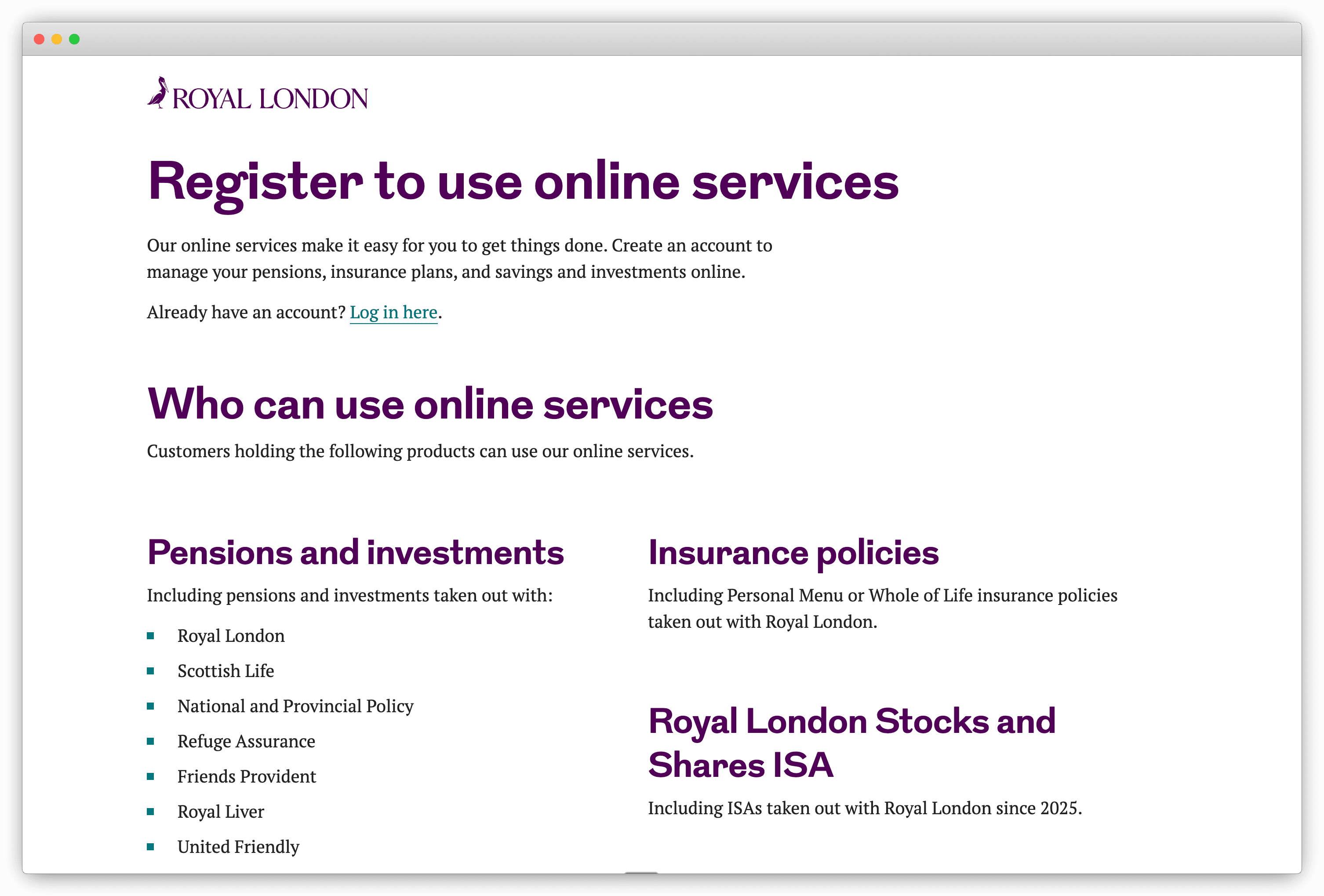
Start with Royal London’s online services page. It explains which current and legacy plans can be registered for online access and directs you to the appropriate service. If your plan is supported, follow the registration route and have any plan number or previous provider name to hand. Some older products are not available online, so a failed registration does not necessarily mean there is no pension.
Use the correct Royal London contact route
If you cannot register, visit Royal London’s contact page and choose the provider or product named on your paperwork. This matters because different Royal London and legacy plans are handled by different teams. Be ready to confirm your full name, date of birth, National Insurance number, current and previous addresses, and the employer that arranged the pension. Do not send sensitive details through an unverified email address.
Check old paperwork and employment records
Look for welcome packs, annual statements, payslips, tax documents or emails containing words such as “pension”, “Royal London”, “Scottish Life”, “plan number” or “policy number”. Your former employer’s HR or payroll team may also be able to confirm the scheme name and the dates you were enrolled, even if they cannot provide your individual policy value.
Try the government Pension Tracing Service
If you remember the employer or an older provider name but not the current contact details, use the free Pension Tracing Service. It supplies contact information for workplace and personal pension schemes; it does not tell you whether a pension exists or what it is worth. MoneyHelper also offers a useful lost-pension checklist.
Consider a financial adviser for a complex search
An independent financial adviser can contact providers on your behalf using a letter of authority and help you understand any plan you find. Advisers usually charge for their work, so ask about fees and scope before agreeing to the service.
Use Penny (or a similar tracing service)
If you have several old employers and are unsure which provider each one used, Penny can help you search for workplace pensions using your employment history and personal details. A tracing service like Penny can reduce the number of separate searches you need to make, although you may still be asked for further evidence when a provider has to confirm a match.
Ready to Track Down Your Royal London Pension?
Begin with any provider name or plan number you already have, then follow the matching Royal London route. If the online service does not recognise the plan, check the contact page rather than assuming the pension is gone. A little information about an old employer, address or legacy provider can be enough to restart the trail and bring that pension back into your retirement planning.
Penny can help
Download the Penny Pension app
Find your old workplace pensions
Manage your pensions in one app