Phoenix Life looks after many pensions and policies that were originally sold under other provider names. That can make an old plan seem harder to trace: you may remember the company on the welcome pack but not realise Phoenix now administers it. The good news is that Phoenix Life provides routes for searching by policy number or previous provider. Gather whatever information you have, then work through the steps below.
What is a “lost pension”?
A pension is “lost” when you no longer know who holds it, cannot find the policy number or have stopped receiving updates. The plan itself remains in place and may stay invested, so its value can rise or fall. Reconnecting helps you check the provider, update your address and understand how the pension fits alongside your other retirement savings.
Reasons to Trace Your Phoenix Life Pension
You might want to trace your pension if:
An old statement uses a provider name that has since changed.
You believe Phoenix Life now looks after a former workplace or personal pension.
You have moved and no longer receive policy correspondence.
You want a complete record of your retirement savings.
Steps to Find Your Phoenix Life Pension
Register for MyPhoenix
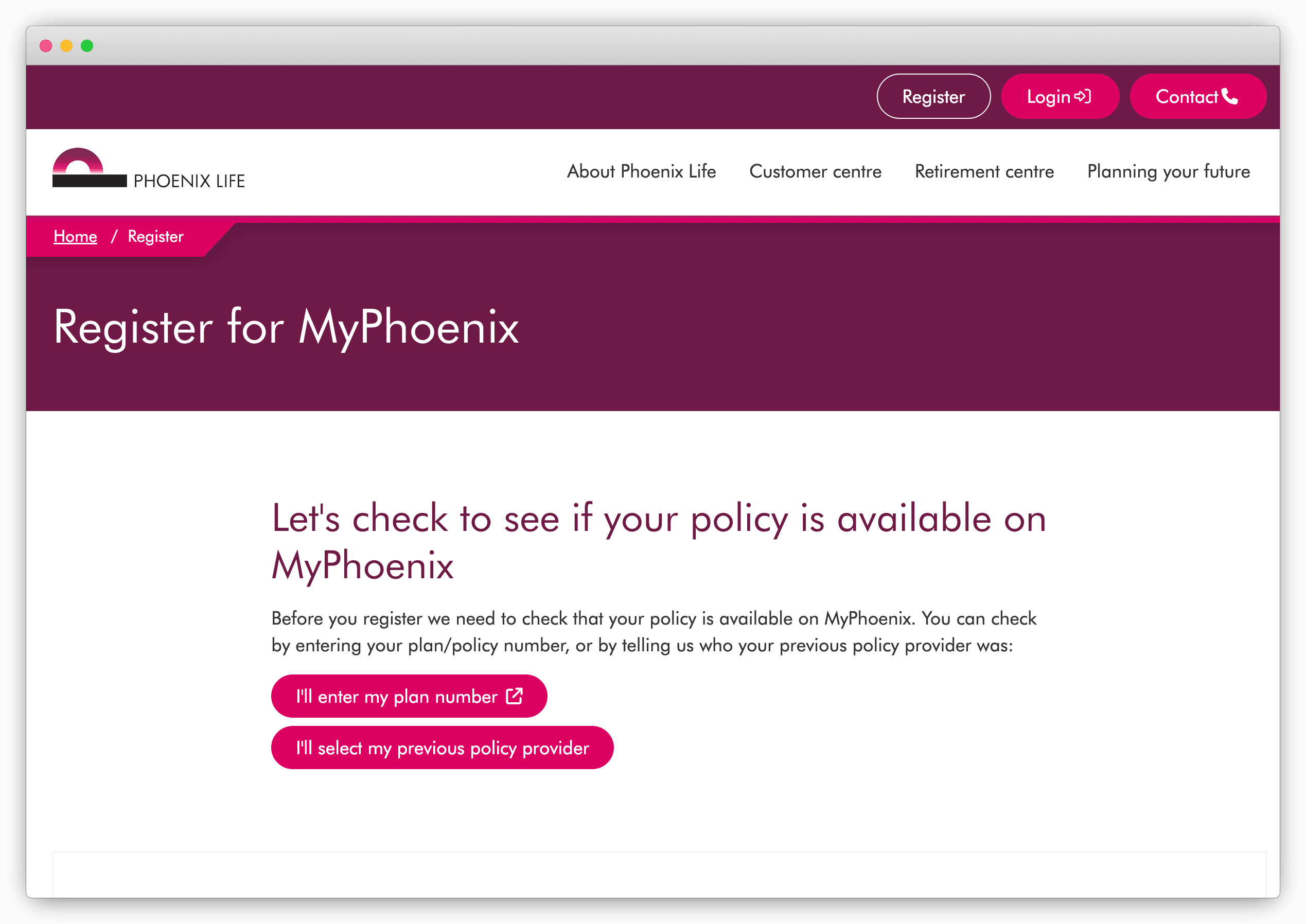
Open the official MyPhoenix registration page. It lets you begin with a policy number or, if that has been lost, search using the name of the previous provider. Follow the prompts carefully and use the name printed on your oldest paperwork. Not every Phoenix Life policy is supported online, so an unsuccessful registration can simply mean you need the product-specific contact route.
Find out who looks after the policy
If the plan began with another company, use Phoenix Life’s policy and previous-provider search. This directs customers to the correct service team. Phoenix Life does not use one contact number for every historic policy, so follow the result rather than choosing a number from an old or unofficial website. The general contact page is the safest starting point when you are unsure.
Collect clues from older documents
Look through annual statements, policy schedules, welcome letters, payslips and emails. Note every provider name, policy number, employer, previous surname and address you find. These details can help Phoenix match records inherited from another provider. For a workplace pension, ask your former employer which scheme operated during the years you worked there.
Use the Pension Tracing Service
If you only know the employer or historic provider, try the government’s free Pension Tracing Service. It identifies scheme contact details but cannot confirm that a pension belongs to you or provide a value. You will need to contact the returned scheme and pass its checks. MoneyHelper also has a practical guide to tracing lost pensions.
Consider an independent financial adviser
If several companies and policy transfers appear in the history, an adviser can help organise the search and request information with your authority. This is a paid service, so confirm what the adviser will do and how much it may cost before you proceed.
Use Penny (or a similar tracing service)
Penny can help trace old workplace pensions using your employment history and personal details. This can be useful if you do not know whether the scheme ended up with Phoenix Life or another provider. A possible match may still require follow-up documents before the provider can confirm the policy.
Ready to Find Your Phoenix Life Pension?
With Phoenix Life, the previous provider name can be just as valuable as the current one. Start with MyPhoenix, then use the policy search to reach the team responsible for that particular book of business. Record each name and reference number as you go. Even a small clue from an old letter can connect the original policy to the company that looks after it today.
Penny can help
Download the Penny Pension app
Find your old workplace pensions
Manage your pensions in one app