
If an employer enrolled you into The People’s Pension, the pot remains yours after you leave that job. It can become easy to overlook when you change employer, move house or stop using an old email account. The provider’s online account is the simplest place to begin, and your National Insurance number plus customer number can help reconnect you. If either detail is missing, there are still several ways to continue the search.
What is a “lost pension”?
A pension is considered lost when you no longer know how to access it or the provider no longer has your current contact information. The pot remains associated with your account and may stay invested, which means its value can rise or fall. Tracing it lets you update your details, review contributions and include the pension in your retirement planning.
Reasons to Trace Your People’s Pension
You might want to trace your pension if:
A previous employer used The People’s Pension for automatic enrolment.
You no longer have the customer number from your joining letter or email.
Your address, mobile number or personal email has changed.
You want to see all of your pension pots clearly.
Steps to Find Your People’s Pension
Set up or access your online account
Start at The People’s Pension online account page. To set up access, you will normally need your National Insurance number and customer number, along with a personal email address and mobile number. The customer number is shown on letters and emails from the provider. If you already registered but cannot log in, use the recovery options rather than creating a second account.
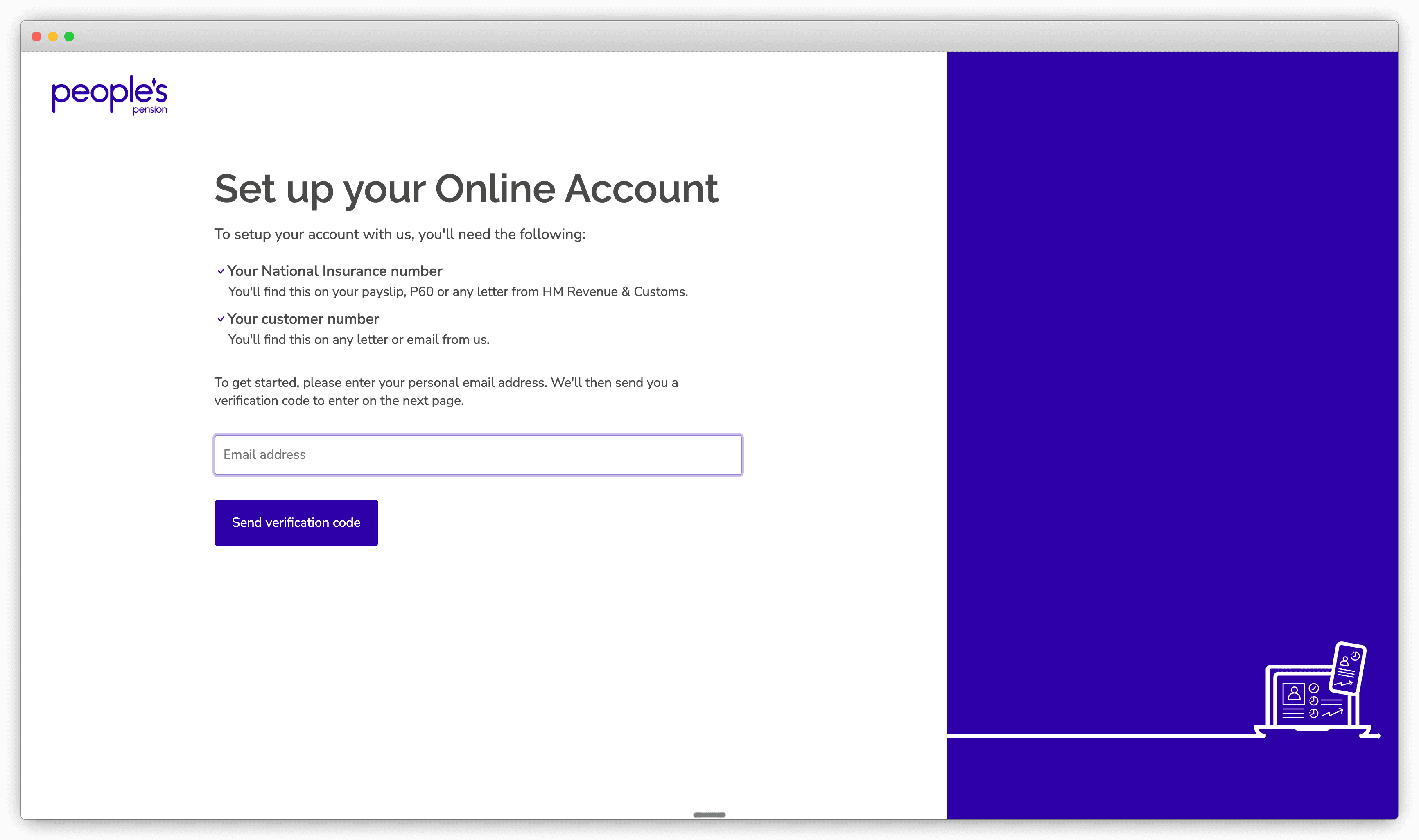
Follow the provider’s login help
If you have forgotten your details, read the official online-account help page. It explains the login route and where to get further help. When contacting the provider, be ready with your full name, date of birth, National Insurance number, current and previous addresses, employer name and approximate dates of employment. Use only contact information reached from the official website.
Look for your customer number and employer details
Search old emails and letters for “The People’s Pension”, “People’s Partnership” and “customer number”. Joining information and annual statements are especially useful. Old payslips may show pension deductions and confirm which employer enrolled you. If the provider cannot immediately find the account, ask that employer’s HR or payroll team to confirm the scheme and your membership dates.
Use the Pension Tracing Service if the provider is uncertain
If you remember the employer but are not completely sure it used The People’s Pension, try the government’s free Pension Tracing Service. It returns scheme contact details, not confirmation of an individual account or its value. You must contact the scheme to complete the search. MoneyHelper also provides a broader lost-pension guide.
Consider a financial adviser for a wider review
An independent financial adviser can help locate and review several pensions, particularly where employment records are complicated. They will usually charge for their time and advice, so ask for a clear explanation of the service and its cost before agreeing.
Use Penny (or a similar tracing service)
Penny can help search for workplace pensions from your employment history and personal details. This can be useful if you have more than one former employer or cannot remember which pension provider each one chose. Any potential match may still need to be verified by the provider before you can access the pot.
Ready to Find Your People’s Pension?
Begin by looking for your customer number, then try the official online account route. If the number is missing, collect your National Insurance number, old addresses and employment dates before asking for help. Those details give The People’s Pension—or a tracing service—the best chance of matching you with the correct account without unnecessary delays.
Penny can help
Download the Penny Pension app
Find your old workplace pensions
Manage your pensions in one app